
Invoice Management Solutions for Retail and Service Companies
Learn how invoice management solutions help retail and service companies streamline billing, track payments, reduce errors, and manage invoices efficiently.

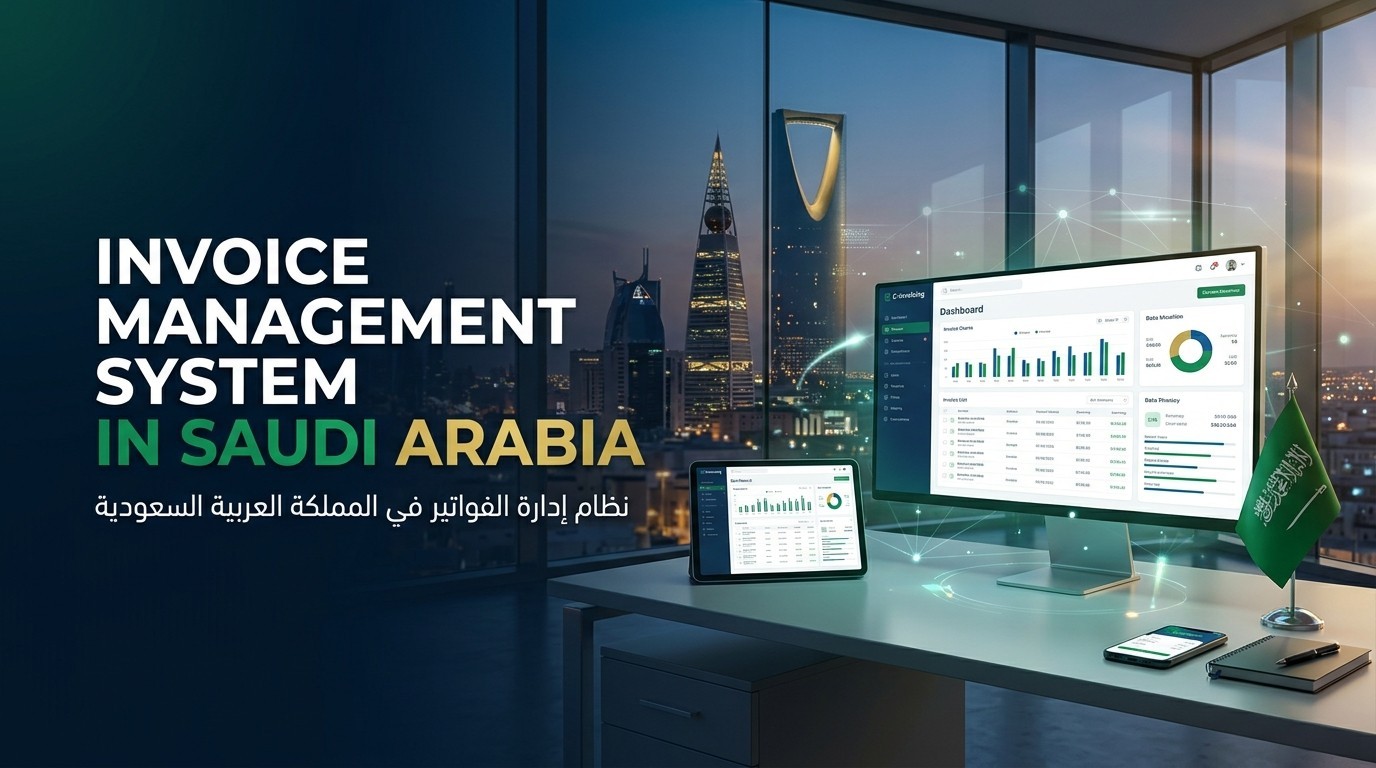
An Invoice Management System In Saudi Arabia can help retail and service companies organise billing, track payments, reduce manual data entry, and maintain accurate financial records. Whether you run a clothing store, a maintenance company, a consulting firm, or a business with several branches, invoices are part of your daily operations. When employees create invoices manually, follow up on overdue payments through emails, and store records in different folders, it becomes harder to keep everything organised.
The right invoice management system brings these activities into a more structured process. Your team can prepare invoices, record payments, monitor outstanding balances, and retrieve transaction details when needed. Businesses subject to Saudi Arabia's electronic invoicing requirements must also ensure that their chosen solution supports the applicable ZATCA rules. The goal is not simply to send invoices faster. It is to make billing more accurate, easier to track, and better connected with the rest of your business.
What Is an Invoice Management System?
An invoice management system is software that helps businesses create, send, store, track, and manage invoices throughout their lifecycle. Depending on its features, it may also handle payment reminders, approval workflows, credit notes, customer records, and financial reports.
For example, imagine you operate a maintenance company in Jeddah. Your employees complete jobs for different customers, and each job requires an invoice. Without a central system, staff may prepare invoices in separate files, send them through email, and update payment information manually.
With Invoice Management Software, your team can create invoices using saved customer details, record the services provided, and track whether each invoice has been paid. Your finance team can then review outstanding amounts without checking several spreadsheets.
The exact features depend on the software you choose. Some systems focus mainly on billing, while others connect invoicing with accounting, inventory, customer management, and payment processing.
Why Retail and Service Companies Need Invoice Management Solutions
Retail and service businesses have different billing requirements, but both need reliable records of the money they earn and the payments they receive.
Retailers may issue large numbers of invoices or receipts for product sales, discounts, returns, and exchanges. Service companies may bill customers after completing a project, reaching a contract milestone, or providing services over a specific period.
Invoice Management Solutions help organise these activities and reduce the need for repetitive administrative work.
Some common benefits include the following.
Fewer manual errors: Saved customer details and predefined invoice templates can reduce repeated data entry.
Better payment tracking: Employees can see which invoices are paid, pending, or overdue.
Easier record retrieval: Digital invoices can be searched by customer, date, invoice number, or other available details.
Improved coordination: Sales, service, and finance teams can work with consistent billing information.
More organised reporting: Businesses can review invoiced amounts, outstanding balances, and payment activity.
Support for electronic invoicing: Suitable software can help businesses meet applicable Saudi e-invoicing requirements when correctly configured.
These benefits depend on the system's capabilities and how your employees use it. A company still needs clear billing procedures and regular checks to keep its records accurate.
How Retail Invoice Management Works
Retail Invoice Management involves recording product sales, generating the appropriate billing documents, and keeping transaction records organised. A suitable system should fit the retailer's sales process rather than forcing employees to handle every transaction manually.
Faster Billing at the Point of Sale
A retailer may process many transactions during a normal business day. Software connected to the point of sale system can help generate the required sales documents using transaction information already recorded at checkout.
For example, a customer purchases several items from a home accessories store. The POS system records the products, quantities, and prices. Depending on the integration, this information can be used to generate the relevant invoice or receipt and update the associated sales records.
This reduces repeated entry and helps employees avoid typing the same details into separate systems.
Managing Returns and Credit Notes
Retailers must also handle situations where customers return products, receive refunds, or need corrections to previous transactions. These changes should be recorded properly instead of simply deleting or altering the original records without a suitable audit trail.
An invoice management system can help connect adjustments with the original transaction and generate the relevant credit note where required. Businesses should confirm how their chosen software handles returns, cancelled sales, and tax adjustments.
Tracking Sales Across Multiple Branches
A retailer with several locations may struggle to compare sales and outstanding balances if each branch keeps separate billing records.
A centralised system can help authorised staff review information from different branches and prepare combined reports. Before choosing one, check whether it supports your number of locations, users, POS devices, and reporting requirements.
How Service Business Invoicing Differs From Retail Billing
Service Business Invoicing often involves more than recording a product sale. A company may bill customers for labour, consulting hours, repairs, maintenance visits, project milestones, or recurring contracts.
For example, an IT services company may charge a customer for monthly support. Another company may invoice a client after completing each stage of a construction or consulting project.
An appropriate invoice management system can support these processes through features such as:
Service descriptions: Record the work completed and the agreed charges.
Time and expense tracking: Include billable hours or approved expenses when supported.
Recurring invoices: Prepare regular invoices for ongoing contracts.
Milestone billing: Issue invoices according to agreed project stages.
Payment terms: Record due dates and help staff monitor outstanding balances.
Customer history: Keep previous invoices and payment information accessible.
Not every business needs all these features. If your company provides services on a project basis, milestone billing may be important. If you manage monthly maintenance contracts, recurring invoices and payment reminders may be more useful.
The best system reflects how your company charges customers and collects payments.
Supporting Saudi Arabia's Electronic Invoicing Requirements
Businesses operating in Saudi Arabia should consider ZATCA requirements when selecting Invoice Management Software.
ZATCA's electronic invoicing initiative, known as Fatoorah, has two main phases. Phase One, the Generation Phase, became enforceable on 4 December 2021. Phase Two, the Integration Phase, began on 1 January 2023 and is being implemented in waves for targeted taxpayers. The integration phase includes additional technical requirements and integration with ZATCA's Fatoora platform for businesses notified to implement it. <Link url="https://zatca.gov.sa/en/E-Invoicing/Pages/default.aspx" title="Read ZATCA's official electronic invoicing guidance"/>.
The requirements that apply depend on your business and its implementation status. Before purchasing ZATCA E Invoicing Software, confirm that it supports the relevant invoice types, required fields, formats, storage processes, and integration features.
There is also an important distinction between a provider being listed in ZATCA's directory and a software product receiving official approval. ZATCA states that the directory is indicative and that businesses may use any solution provider as long as the solution meets the applicable requirements. <Link url="https://zatca.gov.sa/en/E-Invoicing/SolutionProviders/Pages/SolutionProvidersDirectory.aspx" title="Check ZATCA's solution provider directory"/>.
Ask your provider to demonstrate the required functions using realistic transactions. A general claim that the system supports electronic invoicing is not enough to establish that it meets every requirement applicable to your company.
Important Features to Look for in Billing Management Software
When comparing Billing Management Software, start with your current billing process. Identify where mistakes occur, which tasks take the most time, and what information your finance team needs regularly.
Invoice Creation and Customisation
Look for templates that support your company's details, customer information, product or service descriptions, quantities, prices, payment terms, and applicable tax information.
If your business serves customers in Saudi Arabia, check whether the software can produce invoices that meet the applicable Arabic language requirements. ZATCA's guidance states that the human-readable fields of tax invoices and simplified tax invoices must be in Arabic, although bilingual invoices may also include English. <Link url="https://www.zatca.gov.sa/en/E-Invoicing/Introduction/FAQ/Pages/default.aspx" title="Review ZATCA's e-invoicing FAQs"/>.
Payment Tracking and Reminders
Your finance team should be able to identify outstanding invoices and their due dates. Payment reminders can help staff follow up with customers, while payment status records reduce confusion about which invoices have been settled.
If your system connects with payment gateways or banking tools, ask how payment information is matched with invoices and how exceptions are handled.
Accounting Integration
Connecting invoicing with accounting software can reduce duplicate records and help keep sales and financial reports consistent.
Confirm whether invoices automatically create accounting entries, how credit notes are handled, and whether your accountant can review transactions before finalising reports.
Access Controls and Record Storage
Not every employee should have permission to change invoice settings or edit financial records. Look for user roles, activity logs, backups, and clear methods for retrieving historical invoices.
You should also check how long the system retains records, how information can be exported, and what happens if you stop using the provider.
Common Invoice Management Problems and How to Avoid Them
Even with software, billing problems can occur when a company has unclear procedures.
One common issue is sending invoices with incorrect customer details, service descriptions, or payment terms. Using saved customer records and reviewing invoices before sending them can help reduce these errors.
Another issue is losing track of overdue payments. Assign responsibility for reviewing outstanding invoices regularly, and use reminders where appropriate. A system can display overdue balances, but someone still needs to follow up.
Disconnected systems can also cause problems. If your sales software and accounting platform store different transaction details, your reports may not match. Test integrations before implementation and establish a process for resolving discrepancies.
Finally, avoid choosing software based only on the lowest subscription price. Consider implementation costs, training, support, integration fees, and the time employees will need to learn the system.
How to Choose the Right Invoice Management System In Saudi Arabia
Before making a final decision, compare providers against your actual business requirements.
Start by listing the number of invoices you issue, the types of customers you serve, your payment terms, and the systems you already use. Then decide whether you need recurring billing, inventory integration, multiple branch reporting, project billing, or advanced approval workflows.
Ask each provider to demonstrate the full process, from creating an invoice to recording payment and handling a correction. For businesses subject to ZATCA requirements, request a demonstration of the relevant e-invoicing functions as well.
Review pricing carefully and check whether the package includes employee support, updates, data migration, and integrations. If you expect the company to grow, make sure the system can support additional users and higher transaction volumes without requiring an immediate replacement.
Final Thoughts
An Invoice Management System In Saudi Arabia can help retail and service companies manage billing with clearer records and less repetitive work. Retailers may benefit from faster checkout invoicing, better returns tracking, and branch reporting. Service companies may need recurring billing, project invoices, and clearer payment follow ups.
The right solution should match your billing process, connect with your accounting tools, and support the electronic invoicing requirements applicable to your business. Take time to test the system, review its security and reporting features, and train employees before relying on it for daily operations.
When invoices are created consistently, payments are tracked carefully, and records are easy to retrieve, your team can spend less time searching for information and more time managing the business effectively.












Facebook Conversations